
Slack Integration
Connect Community Questions with Slack to receive notifications in your team channels when Q&A activity occurs.
Setup
1. Go to Space Settings → Content → Questions and under Connected Apps, click Connect Slack.
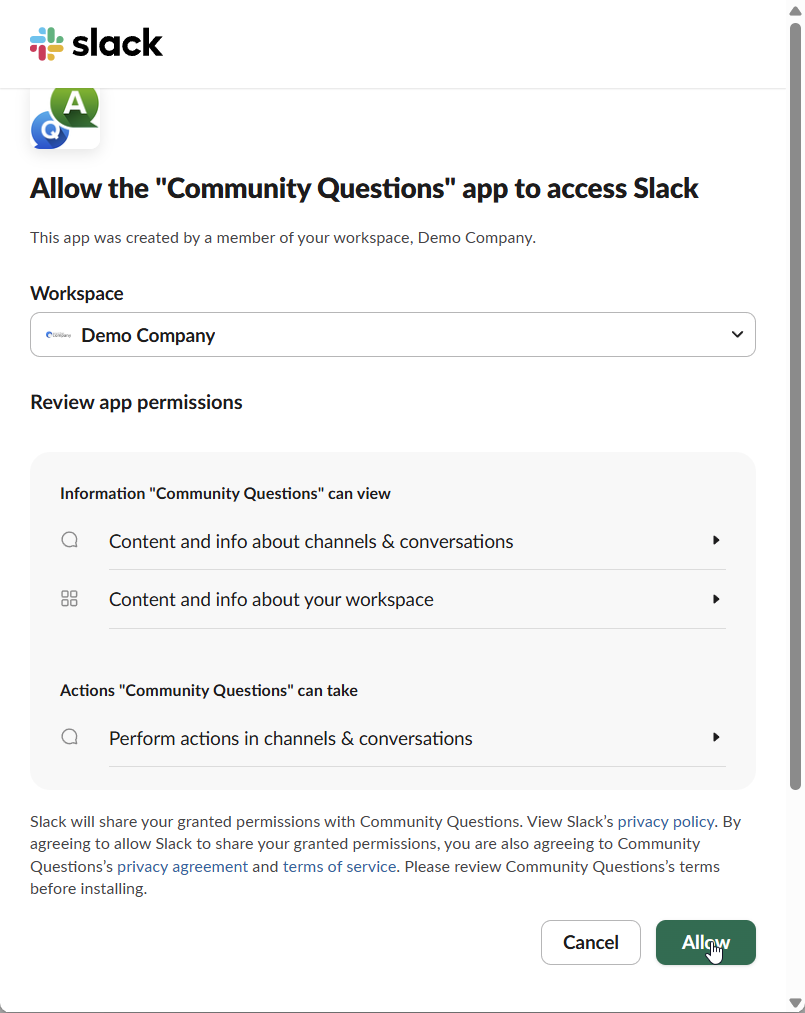
2. You'll be redirected to Slack's authorization page. Select your workspace and click Allow.
3. Configure your connection:
- Select channel - Choose which Slack channel receives notifications
- Tags - Optionally filter notifications by tag
- Send notifications when: New question asked, New answer posted, New comment created
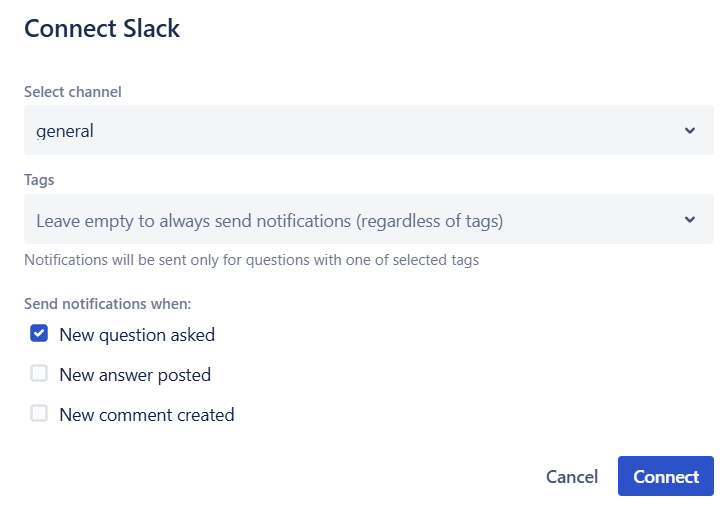
4. Click Connect to save.
Once connected, notifications will appear in your Slack channel:

Managing Connections
Connected integrations appear in the Connected Apps table. Click the menu icon (...) on any connection to edit or disconnect it.
Tip: You can create multiple Slack connections per space - for example, to send different tag-filtered notifications to different channels.